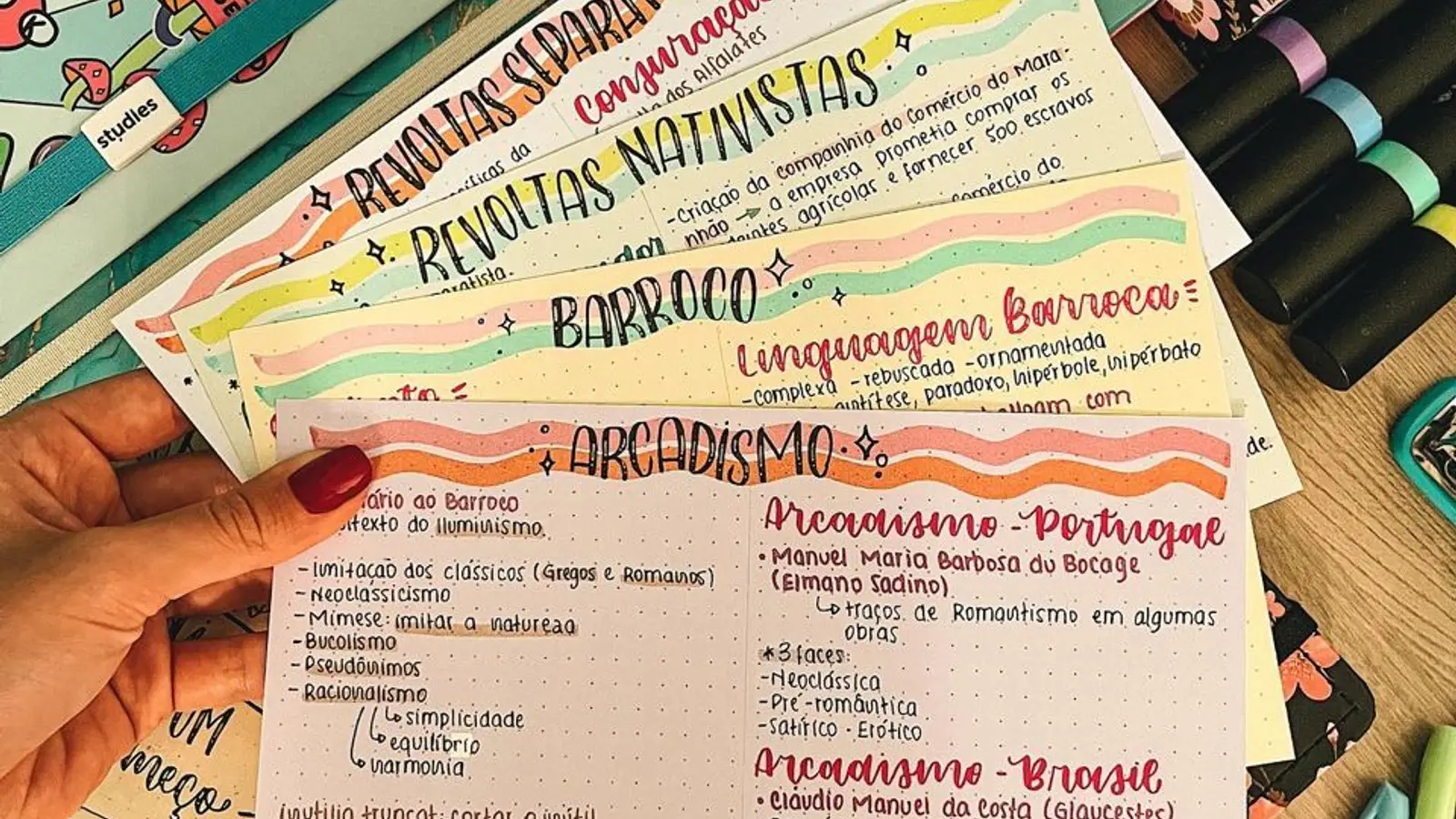
Best AI Flashcard Generator in 2026: Tools Ranked & Compared

MindLumos Team
2026-01-12
An AI flashcard generator is a tool that automatically creates flashcards from your study materials. Instead of spending hours manually typing out cards, you upload your PDFs, notes, images, or audio files, and AI generates ready-to-study flashcards in seconds.
The best AI flashcard generators can process multiple source types, identify key concepts, and create question-answer pairs with difficulty levels. This guide covers the science behind why flashcards work, compares the top tools in 2026, and provides a step-by-step tutorial for creating AI-generated flashcards.
💡 New to AI study tools? Check out our beginner's guide to studying with AI for the complete workflow.
 TL;DR: Key Takeaways
- AI flashcard generators create flashcards automatically from PDFs, images, audio, and web content
- Flashcards work because they leverage active recall and spaced repetition (50-200% better retention)
- Best tools: MindLumos (6+ formats), Anki (best algorithm), Quizlet (largest library)
- AI saves hours but always review and customize generated cards for best results
- Keep cards atomic: each card should test ONE concept for effective learning
 AI Flashcard Generators Compared at a Glance
Quick comparison of the best AI flashcard generators in 2026:
| Tool | Best For | Pricing |
|---|---|---|
| MindLumos | Multiple study formats from one upload (6+ tools) | $17.99/month |
| Anki | Best spaced repetition algorithm (power users) | Free (desktop), $25 iOS |
| Quizlet | Largest shared flashcard library | Free + $7.99/mo Plus |
| Mindgrasp AI | Top-tier summarization quality | $14.99/month |
| StudyFetch | Interactive AI tutor experience | $19.00/month |
| Penseum | Simple, affordable option | $14.99/month |
What Is an AI Flashcard Generator?
An AI flashcard generator is a tool that uses artificial intelligence to automatically create flashcards from your study materials. Instead of manually typing each question and answer, you upload your content (PDFs, notes, images, audio) and the AI generates ready-to-study flashcards in seconds.
The best way to use an AI flashcard generator is to upload your source material, let AI create the initial cards, then review and customize them to match how you learn best.

Save Hours of Manual Work
AI can generate dozens of flashcards in seconds from your notes, PDFs, or textbooks: work that would take hours manually.

Better Quality Cards
AI identifies key concepts, creates clear question-answer pairs, and ensures proper formatting: often better than hand-made cards.

Multiple Source Types
Generate flashcards from PDFs, images (handwritten notes, diagrams), audio recordings (auto-transcribed), and web articles: all with AI.
Scientifically Effective
Flashcards leverage active recall and spaced repetition: the two most powerful learning techniques backed by cognitive science.
 How Do Flashcards Help You Study?
Flashcards help you study by leveraging two scientifically proven learning techniques: active recall and spaced repetition. Research shows these methods can improve retention by 50-200% compared to passive re-reading or highlighting.
Active Recall
When you try to retrieve information from memory (instead of passively re-reading), you strengthen the neural pathways that store that information.
Each time you see a flashcard question and attempt to recall the answer before flipping, you're exercising your memory. This "testing effect" has been shown to improve long-term retention by up to 50% compared to re-reading.

Spaced Repetition
Reviewing information at gradually increasing intervals (1 day, 3 days, 1 week, etc.) creates stronger, longer-lasting memories than cramming.
The "spacing effect" shows that distributed practice is far more effective than massed practice. AI flashcard systems can automatically schedule reviews at optimal intervals based on your performance.
📚 Want to go deeper? Our guide on the 7 most effective study methods covers active recall, spaced repetition, and other evidence-based techniques in detail.
What Is the Best AI Flashcard Generator?
The best AI flashcard generator depends on your needs. MindLumos offers the most comprehensive solution with 6+ study formats. Anki has the best spaced repetition algorithm. Quizlet has the largest shared library. Here's a detailed comparison:
MindLumosFeatured
All-in-one AI study platform that generates flashcards, quizzes, mind maps, study guides, infographics, and podcasts from any source.
Strengths
- PDFs, images, audio files, web URLs
- 6+ study tool formats from one upload
- Clean, distraction-free UI
- Built-in active recall practice mode
Limitations
- Newer platform
Anki
Open-source flashcard app with powerful spaced repetition algorithm and extensive plugin ecosystem.
Strengths
- Best spaced repetition algorithm
- Highly customizable
- Large community & shared decks
- Free (desktop)
Limitations
- Steep learning curve
- Manual card creation (no AI built-in)
- Dated interface
Quizlet
Popular flashcard platform with AI features and a large library of user-created study sets.
Strengths
- Massive shared library
- Multiple study modes
- Mobile apps
- AI-assisted creation
Limitations
- Ads on free tier
- AI features require paid plan
- Limited export options
Mindgrasp AI
AI study tool focused on summaries, notes, flashcards, and quizzes with strong Q&A features.
Strengths
- Top-tier summarization quality
- Excellent for large readings
- Strong Q&A and concept explanation
- Supports PDFs, audio, video, YouTube
Limitations
- Flashcards less refined than competitors
- No mind maps or infographics
- No podcast study tool
StudyFetch
AI tutor platform with Spark.E chat assistant, automatic flashcards/quizzes, and visual explainers.
Strengths
- AI tutor with chat interface
- Audio recaps and visual explainers
- Supports video, audio, YouTube
- Essay grading included
Limitations
- No mind maps, infographics, or podcasts
- Interface can feel cluttered
- Fewer study tool types
Penseum
Beginner-friendly AI study tool with study guides, flashcards, Q&A, and progress tracking.
Strengths
- Easy to use interface
- Progress tracking and learning paths
- Good for basic study guides
- Affordable pricing
Limitations
- Only 2-3 study tools available
- No mind maps or infographics
- No audio upload support
🔍 Looking for a more detailed comparison? Check out our in-depth best AI for studying comparison with full rankings and analysis.
 How to Generate Flashcards from PDF with AI
To generate flashcards from PDF with AI, follow these 5 steps: upload your file, select flashcards as output, let AI process, review the cards, then study or export. Here's the detailed process:

Upload Your Study Material
Drag and drop your files or paste content directly into MindLumos. The platform handles multiple input types automatically.
- PDFs: Lecture notes, textbooks, articles (text-based or scanned with OCR)
- Images: Photographs of notes, diagrams, whiteboard content
- Audio files: Lecture recordings, podcasts (auto-transcribed)
- Web URLs: Articles, blog posts, online resources
Select "Flashcards" as Your Study Tool
Choose flashcards from MindLumos' suite of 6+ study tools. You can generate multiple formats from the same source material.
- Flashcards: Active recall practice with Q&A format
- Also available: Quizzes, Mind Maps, Study Guides, Infographics, Podcasts
- Generate from a single source or entire studyboard
AI Generates Flashcards Automatically
MindLumos AI analyzes your content and creates 15-50 flashcards depending on scope, each with difficulty levels and categories.
- Single source: 15-20 focused flashcards
- Entire studyboard: 30-50 comprehensive flashcards
- Each card tagged with difficulty (easy/medium/hard)
- Auto-categorized by topic for organized study
Study with Interactive Flip Cards
Practice active recall by flipping cards to reveal answers. Mark each card as "Mastered" or "Needs Practice" to track your progress.
- Click to flip between question and answer
- Shuffle deck for randomized practice
- Focus mode: Review only difficult cards
- Real-time progress bar and statistics

Review Results & Export
After studying, view your performance summary with mastery percentage. Download flashcards as a PDF slide deck for offline study.
- Performance breakdown: Mastered vs. Needs Practice
- Detailed list of cards requiring more review
- Export to PDF: Professional slide deck format
- Each PDF slide shows question, then answer on next page
How to Make AI Flashcards More Effective
The best way to make AI flashcards more effective is to review, customize, and keep cards atomic. Here are 6 tips for getting the most out of AI-generated flashcards:
Review AI Output Carefully
AI is powerful but not perfect. Always review generated flashcards for accuracy, clarity, and relevance. Remove duplicates and add missing concepts.

Keep Cards Atomic
Each flashcard should test ONE concept. If a card has multiple answers, split it into separate cards. Simple = better.

Use Your Own Words
Edit AI-generated cards to use your own language. Cards you understand and connect with are more memorable than textbook definitions.
Add Context & Examples
Include real-world examples, mnemonics, or personal connections. These hooks make information stickier.
Mix Card Types
Use different formats: basic Q&A, cloze deletion (fill-in-blank), image occlusion, and reverse cards. Variety strengthens memory.

Study Consistently
Flashcards work best with daily practice. Even 10-15 minutes per day beats occasional hour-long sessions.
 6 Common Mistakes When Using AI Flashcards
Even with AI doing the heavy lifting, these mistakes can undermine your studying. Here's what to avoid.
Making Cards Too Complex
Cards with multiple answers or paragraph-length content are hard to review and don't leverage the power of quick recall.
✅ Instead: Follow the "minimum information principle": each card tests ONE thing. Break complex concepts into multiple simple cards.
Never Editing AI Output
AI can generate inaccurate, awkwardly-phrased, or irrelevant cards. Blindly trusting AI output leads to learning errors.
✅ Instead: Always review generated cards. Delete bad ones, fix inaccuracies, and add missing concepts. AI is a starting point, not the final product.

Creating Cards You Don't Understand
Memorizing without understanding is fragile and doesn't transfer to exams or real-world application.
✅ Instead: Before making a flashcard, ensure you understand the concept. Rewrite in your own words. If you can't explain it simply, study the source material first.
Ignoring Spaced Repetition
Reviewing all cards equally wastes time on easy cards and under-practices hard ones. Random review is inefficient.
✅ Instead: Use a flashcard app with spaced repetition (Anki, MindLumos, etc.). Let the algorithm optimize your review schedule.
Only Using Recognition
Seeing the answer and thinking "I knew that" isn't real recall. Recognition is much easier than retrieval and creates an illusion of competence.
✅ Instead: Always attempt to recall the answer BEFORE flipping the card. Be honest about what you actually knew vs. recognized.

Creating Too Many Cards
Flashcard overload leads to burnout and incomplete reviews. Hundreds of cards from one chapter is a red flag.
✅ Instead: Focus on high-yield information: key terms, core concepts, and common exam questions. Quality over quantity.
What Makes MindLumos AI Flashcards Different
MindLumos doesn't just generate flashcards: it creates a complete active recall study experience. Here's what you get.
AI-Generated Question-Answer Pairs
MindLumos automatically identifies key concepts from your materials and creates clear, concise flashcards with questions on the front and answers on the back.
Difficulty Levels & Categories
Each flashcard is tagged with a difficulty level (easy, medium, hard) and topic category, helping you focus on what needs the most practice.
Interactive Study Mode
Flip cards to test your recall, then mark each card as "Mastered" or "Needs Practice". Track your progress with real-time statistics.

Performance Analytics
After each session, see your mastery percentage, total cards studied, and a breakdown of difficult cards that need more attention.

Shuffle & Review Modes
Shuffle your deck for randomized practice, or focus specifically on cards you marked as difficult for targeted review.

PDF Export (Slide Deck Format)
Download your flashcards as a beautifully formatted PDF slide deck: perfect for printing or studying offline.
Conclusion: AI Flashcards Are a Game-Changer
AI flashcard generators have transformed how students create study materials. What used to take hours (reading through notes, identifying key concepts, writing out cards) now takes minutes. And the quality is often better than hand-made cards.
But remember: AI is a tool, not a magic solution. The most effective approach combines AI speed with human curation. Let AI do the heavy lifting, then review, edit, and customize the output to match how you learn best.
🎯 Your action step: Try generating flashcards from something you're currently studying. Upload a PDF or paste your notes into MindLumos and see AI flashcards in action.
For more exam preparation strategies, check out our complete guide to study tips for exams. Happy studying! 🚀
 Key Terms: What Is an AI Flashcard Generator?
Understanding these terms will help you choose and use AI flashcard tools effectively:
AI Flashcard Generator
A tool that uses artificial intelligence to automatically create flashcards from study materials like PDFs, notes, images, or audio files. Instead of manually typing each card, AI analyzes your content and generates question-answer pairs in seconds.
Active Recall
A learning technique where you actively try to retrieve information from memory rather than passively re-reading. Flashcards leverage active recall because you must recall the answer before flipping the card.
Spaced Repetition
A study method where you review information at gradually increasing intervals (1 day, 3 days, 1 week). This creates stronger long-term memories than cramming everything at once.
Frequently Asked Questions About AI Flashcard Generators
What is an AI flashcard generator?
An AI flashcard generator is a tool that uses artificial intelligence to automatically create flashcards from your study materials: such as PDFs, notes, images, or audio recordings. Instead of manually typing out each card, AI analyzes your content and generates question-answer pairs for you in seconds.
What is the best AI flashcard generator?
The best AI flashcard generator depends on your needs. MindLumos offers the most comprehensive solution with 6+ study formats (flashcards, quizzes, mind maps, study guides, infographics, podcasts) from one upload. Anki has the best spaced repetition algorithm but requires manual card creation. Quizlet has the largest shared library but AI features require a paid plan.
Can AI generate flashcards from PDF?
Yes, AI flashcard generators like MindLumos can create flashcards from PDFs. The AI extracts text (including OCR for scanned documents), identifies key concepts, and automatically generates question-answer pairs with difficulty levels and categories.
What sources can I use to generate AI flashcards?
MindLumos supports multiple source types: PDFs (lecture notes, textbooks), images (photos of handwritten notes, diagrams), audio files (lecture recordings that are auto-transcribed), and web URLs (online articles). The AI processes these and generates categorized flashcards automatically.
Are AI-generated flashcards as good as hand-made ones?
AI-generated flashcards can be excellent starting points that save hours of work. The best approach is to use AI for initial generation, then review and customize: edit for accuracy, add personal examples, and focus on cards that need more practice using the built-in tracking features.
How do flashcards help you study?
Flashcards leverage two powerful learning techniques: active recall (testing yourself rather than passively re-reading) and spaced repetition (reviewing at optimal intervals). Research shows these methods can improve retention by 50-200% compared to traditional studying methods like highlighting or re-reading.
Continue Reading
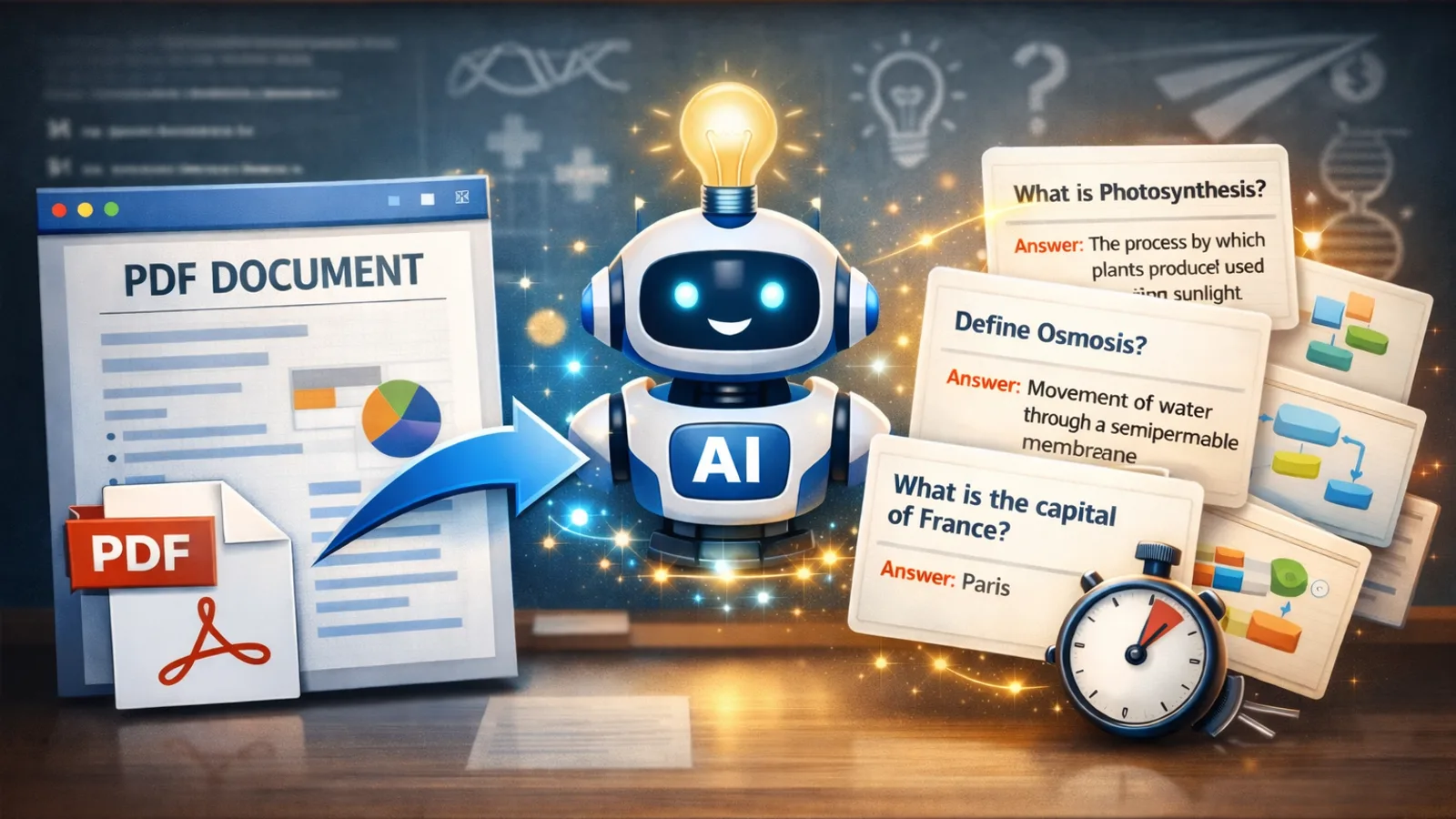
PDF to Flashcards: Turn Any PDF into Study Cards with AI (2026)
Turn any PDF into flashcards instantly with AI. Upload lecture slides, textbooks, or notes and get study-ready flashcard decks in seconds.
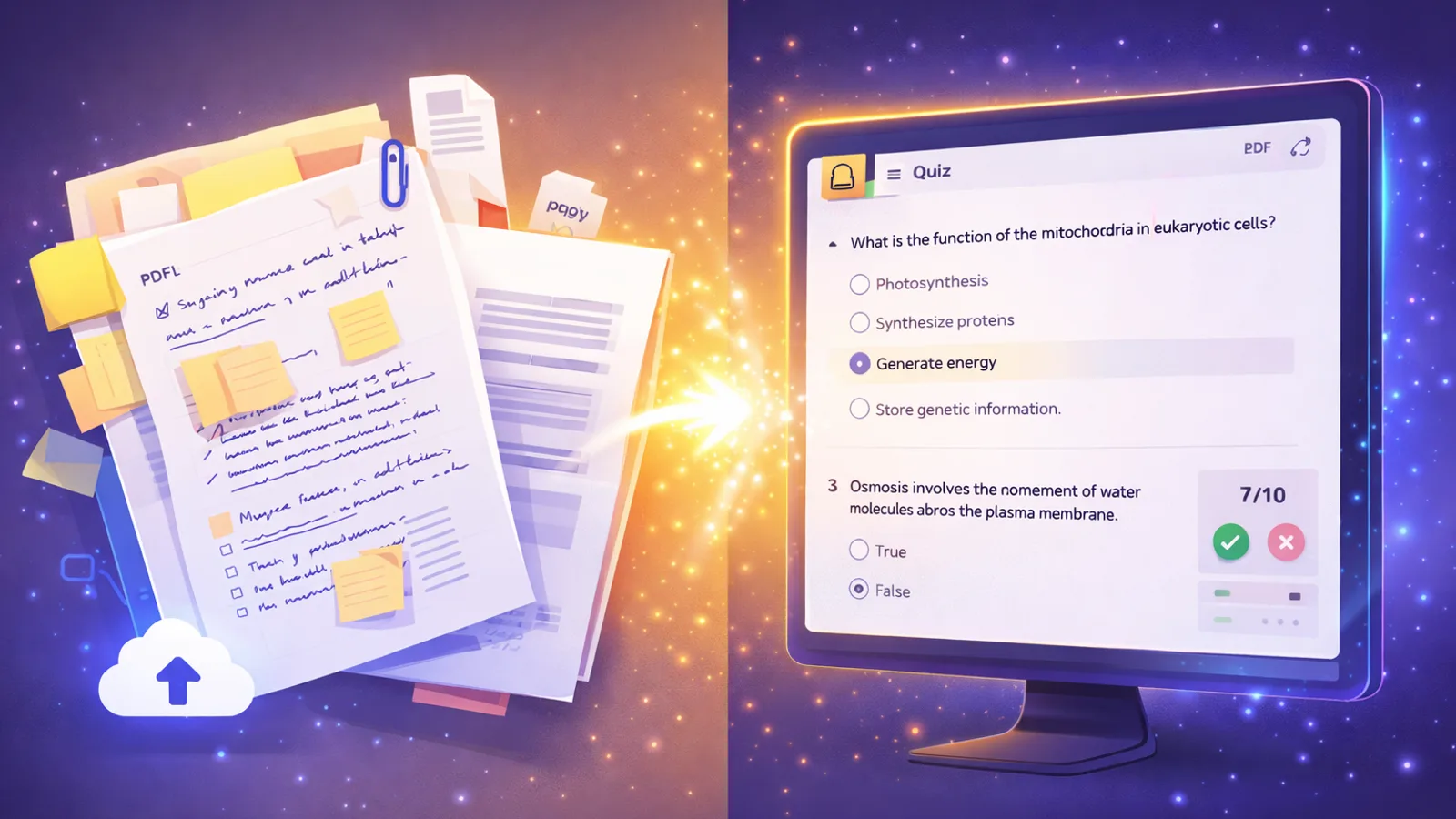
AI Quiz Generator: Create Practice Tests from Notes & PDFs (2026)
The best AI quiz generators create practice tests from your notes and PDFs in seconds. Compare top tools and learn to generate quizzes with AI.