PDF to Flashcards: Turn Any PDF into Study Cards with AI (2026)

MindLumos Team
2026-03-17
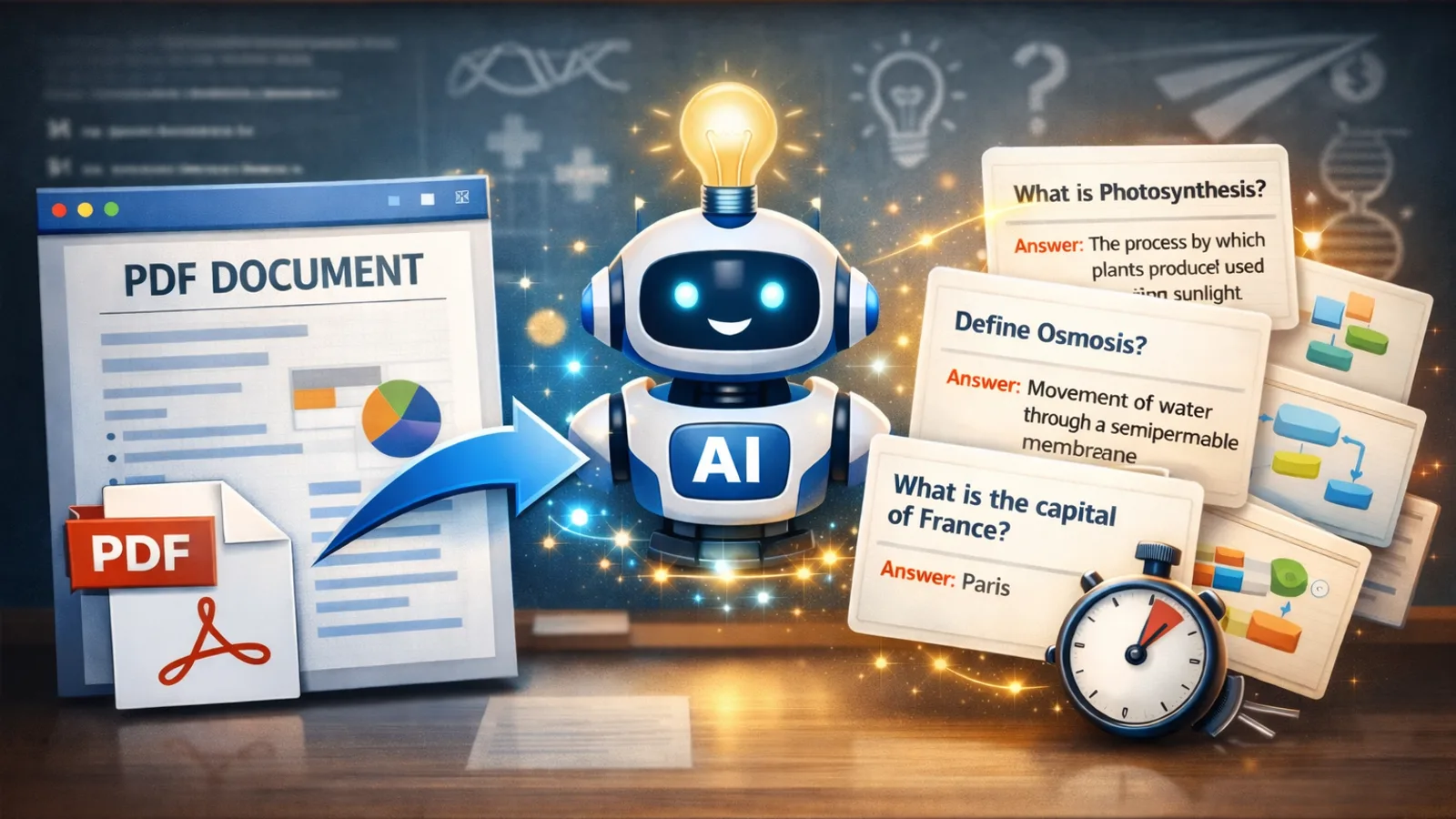
To convert a PDF to flashcards, upload your document to an AI flashcard generator like MindLumos—it automatically extracts key concepts and creates question-answer pairs in seconds. No more manually typing out cards from your lecture slides or textbook chapters.
Students spend hours creating flashcards by hand, often missing key concepts or running out of energy before finishing. AI changes that entirely—upload a PDF, and you get a complete flashcard deck ready for active recall practice before you'd even finish writing your first manual card.
This guide shows you exactly how PDF to flashcard conversion works, which tools do it best, and how to get the highest-quality cards from your documents. Looking for a broader comparison of AI flashcard tools? See our full AI flashcard generator ranking.
 TL;DR: PDF to Flashcards with AI
- Upload any PDF—lecture slides, textbooks, or handwritten notes
- AI extracts key concepts and creates Q&A flashcard pairs automatically
- Get study-ready decks in seconds—not hours of manual card creation
- Review, edit, and study with active recall for maximum retention
 How Does PDF to Flashcards Work?
AI flashcard generators follow a three-step process to turn any PDF into a study-ready flashcard deck:
PDF Upload & Processing
AI reads and parses your document—extracting text from lecture slides, textbook chapters, or scanned notes using OCR when needed.
Concept Extraction
Natural language processing identifies key terms, definitions, relationships, and important facts throughout the document.

Flashcard Generation
AI creates question-answer pairs organized by topic—each card targeting one concept for effective active recall practice.
 Best PDF to Flashcard Tools (2026)
Not every flashcard app supports direct PDF import. Here's how the top tools compare for converting PDFs into flashcards:
MindLumos
Best all-in-one (PDF → flashcards + quizzes + mind maps + summaries)
Anki
Best spaced repetition algorithm, but requires manual card creation
Quizlet
Large shared library with basic AI import features
Knowt
PDF import with AI generation, free tier available
What Types of PDFs Work Best?
AI flashcard quality depends heavily on the structure and type of your PDF. Here's what to expect:
Lecture Slides
Excellent resultsClear structure, key points already distilled, headings and bullet points give AI strong signals.

Textbook Chapters
Great resultsRich with definitions, concepts, and chapter summaries that translate directly into flashcard Q&A pairs.

Handwritten Notes
Good resultsIf legible, AI can OCR handwritten text. Best results come from clear handwriting with organized structure.
Research Papers
Moderate resultsDense and technical—best when focused on key findings, abstracts, and conclusion sections rather than full text.
 How to Get Better Flashcards from Your PDFs
AI does the heavy lifting, but a few simple habits dramatically improve the quality of your generated flashcards:

Use well-structured PDFs with headings
Clear headings and subheadings give AI better context for organizing flashcards by topic.
Upload focused chapters, not entire textbooks
Smaller, focused uploads produce more relevant flashcards. Break large documents into chapter-sized chunks.
Review and customize AI-generated cards
AI gives you a strong starting point. Edit cards to use your own language and remove duplicates for better retention.

Combine flashcards with quizzes for deeper recall
Flashcards test recognition; quizzes test application. Use both for the strongest study system.
Learn about AI quiz generators PDF to Flashcards vs. Manual Flashcard Creation
AI wins on speed, coverage, and consistency. Manual creation wins on personalization. The best approach? Combine both.
| Factor | AI from PDF | Manual |
|---|---|---|
| Speed | Seconds | 1-3 hours |
| Coverage | Catches everything | May miss concepts |
| Consistency | Uniform format | Varies with energy |
| Personalization | Generic wording | Your own language |
Best approach: Let AI generate your flashcard deck from the PDF, then spend your time customizing cards—editing wording, adding personal examples, and removing irrelevant ones. You get speed AND personalization.
 Frequently Asked Questions
Can I convert a PDF to flashcards for free?
Yes. MindLumos offers free PDF to flashcard conversion. Upload any PDF and AI will automatically create question-answer flashcard pairs from the content.
What types of PDFs work best for flashcard generation?
Lecture slides, textbook chapters, and well-structured notes produce the best results. PDFs with clear headings and organized content give AI more structure to work with.
How many flashcards does AI generate from a PDF?
It depends on the PDF length and density. A typical 10-page lecture PDF produces 20-40 flashcards. You can always edit, add, or remove cards after generation.
Are AI-generated flashcards as good as hand-made ones?
AI-generated flashcards are often better for coverage and speed. They ensure no key concept is missed. However, the best approach is to review AI cards and customize them to match your learning needs.
 Stop Typing Flashcards—Let AI Do It
Every hour spent manually typing flashcards is an hour you could have spent actually studying. PDF to flashcard conversion eliminates the busywork and gets you straight to active recall—the study method that actually builds long-term memory.
Your next step: Upload one PDF—a single lecture or chapter—and see how quickly AI turns it into a study-ready flashcard deck. Once you try it, you won't go back to manual card creation.
Continue Reading
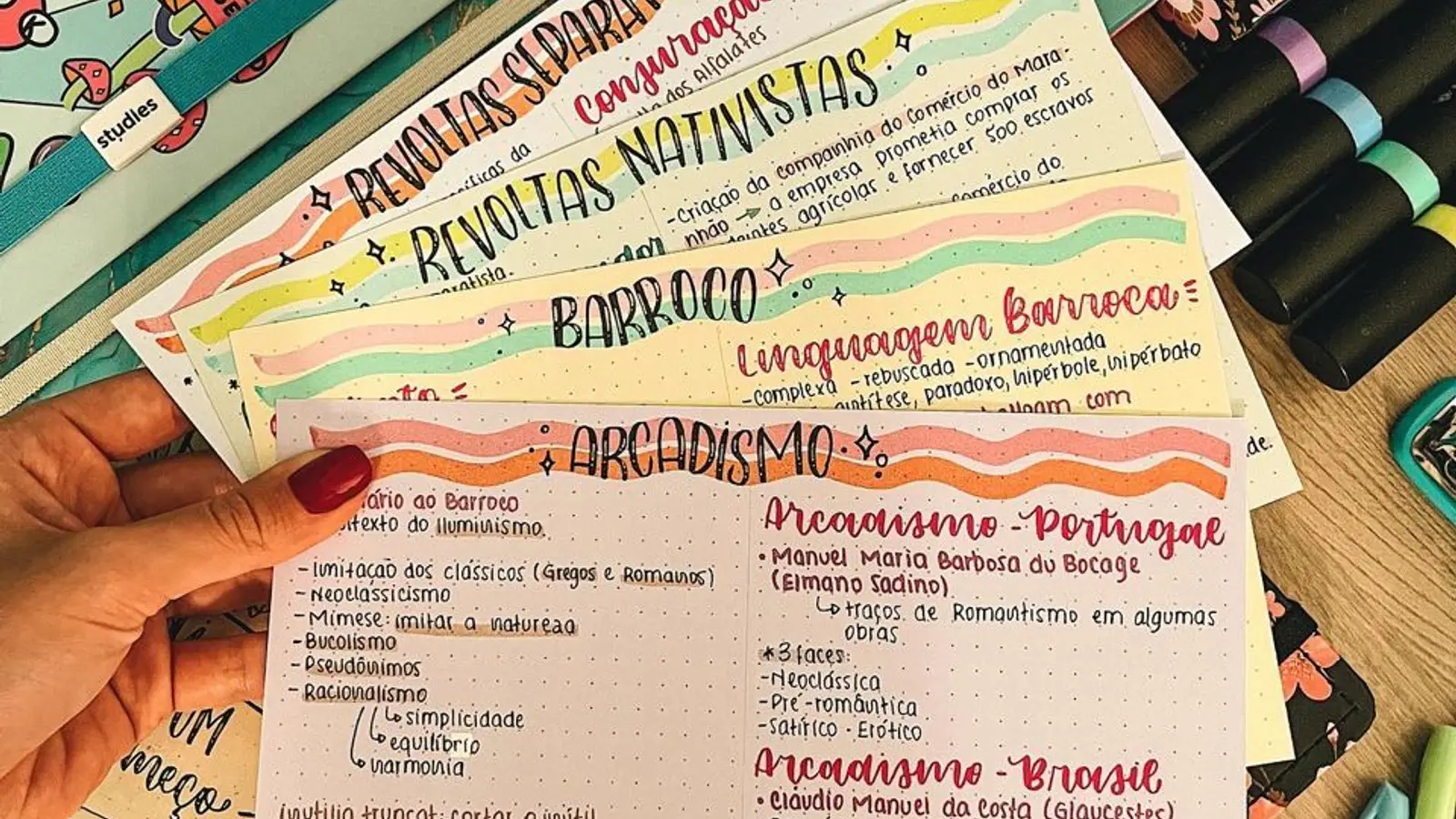
Best AI Flashcard Generator in 2026: Tools Ranked & Compared
Compare the best AI flashcard generators of 2026. Turn PDFs, notes, and audio into study decks automatically with AI.
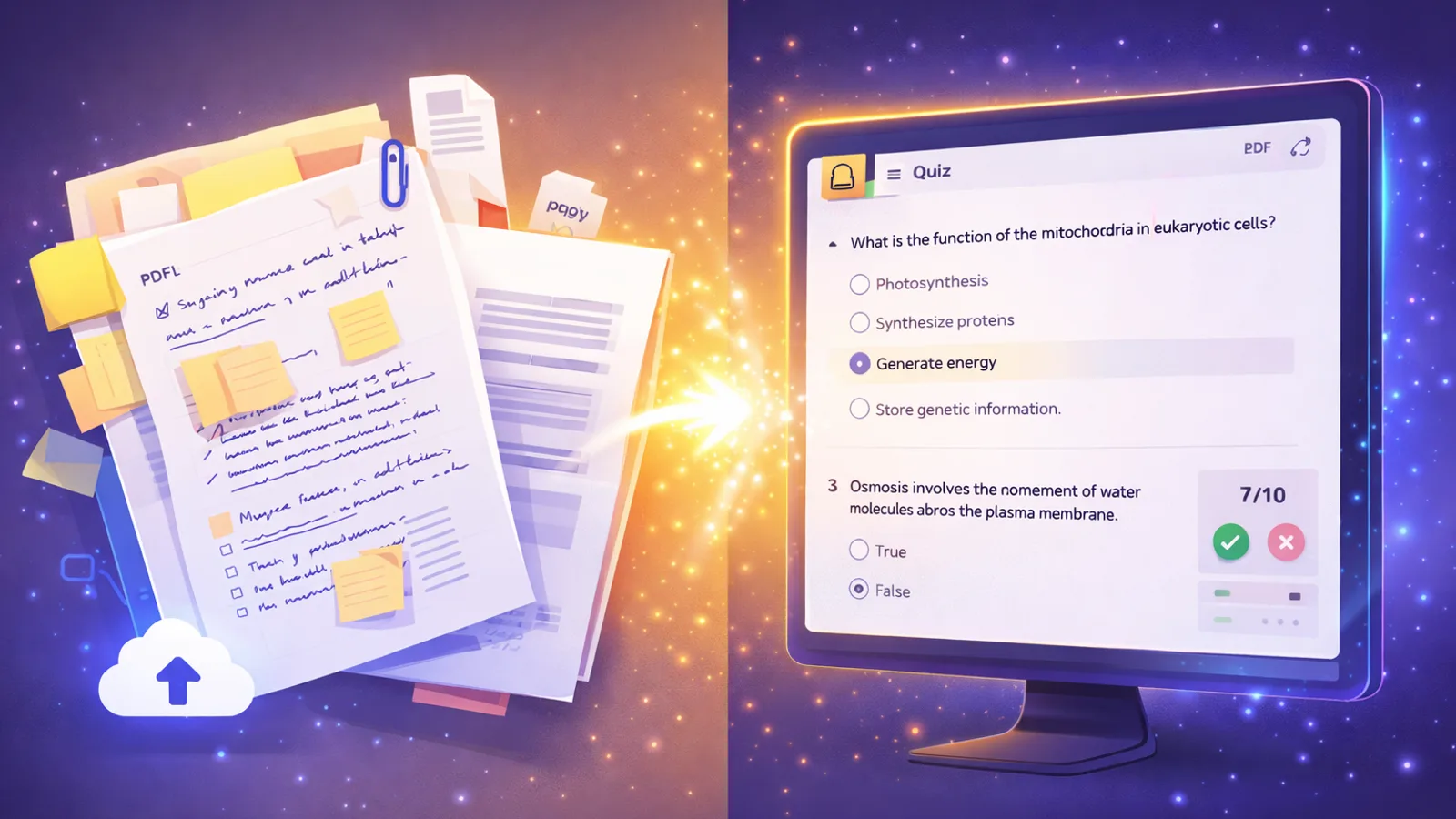
AI Quiz Generator: Create Practice Tests from Notes & PDFs (2026)
The best AI quiz generators create practice tests from your notes and PDFs in seconds. Compare top tools and learn to generate quizzes with AI.