AI Study Guide Maker: Generate Study Guides from Notes Automatically (2026)

MindLumos Team
2026-03-17
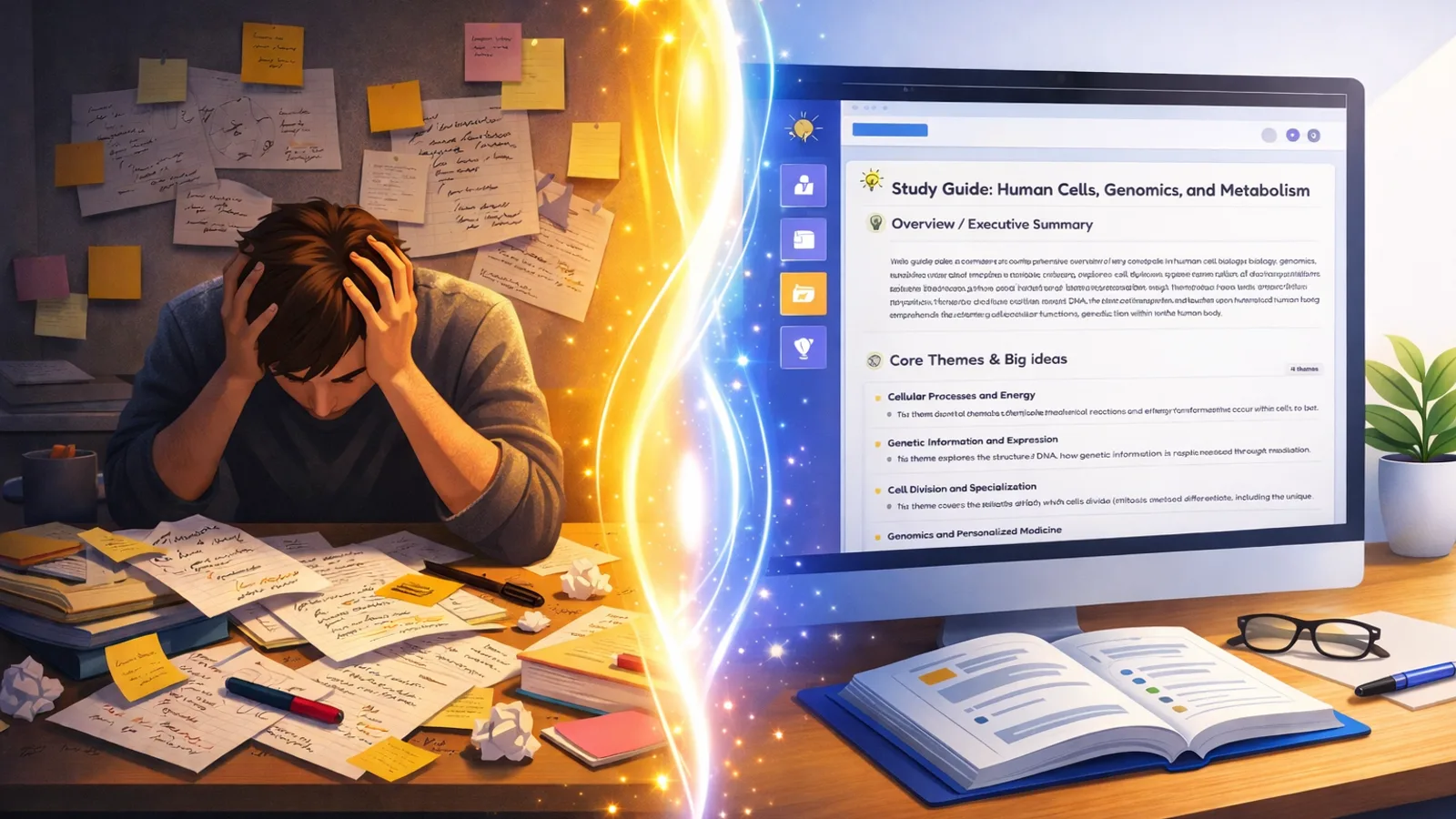
An AI study guide maker automatically organizes your notes, PDFs, and textbooks into structured, easy-to-review study guides—saving hours of manual summarizing. Instead of re-reading pages of unstructured notes, you get a clean, section-by-section guide with key terms highlighted and concepts organized in a logical hierarchy.
Organized study materials aren't just convenient—they're scientifically more effective. When information is structured with clear headings and grouped by topic, your brain can process, connect, and recall it faster. This guide compares the best AI study guide makers in 2026 and walks you through creating your own.
💡 Looking for broader study strategies? Check out our guide to the most effective study techniques for evidence-based methods that pair perfectly with AI study guides.
 TL;DR: Key Takeaways
- Auto-organize messy notes into structured, section-by-section guides
- AI identifies and highlights key concepts, terms, and definitions automatically
- Works from PDFs, text, images, and audio—upload any format and get a guide
- Pairs with flashcards and quizzes for active recall after passive review
What Is an AI Study Guide Maker?
An AI study guide maker is a tool that uses artificial intelligence to transform your raw study materials into organized, reviewable guides. Unlike simple summarizers that just shorten text, study guide makers create structured documents with headings, key terms, and logical sections designed for efficient studying.

What It Does
An AI study guide maker reads your notes, PDFs, or lecture slides and converts them into a structured, section-by-section study guide with key terms, headings, and hierarchical organization.

How It Differs from Summarizers
Summarizers condense text into shorter paragraphs. Study guide makers organize material into reviewable sections with headings, key terms, and a hierarchy designed for studying—not just reading.
Why Students Need It
Creating study guides manually takes hours. AI does it in seconds, and the structured format reduces cognitive load so you can focus on learning instead of organizing.
 Best AI Study Guide Makers Compared (2026)
The best AI study guide maker depends on what else you need beyond guides. Here are the top tools for generating structured study guides from your notes and PDFs:
MindLumos
All-in-one AI study platform that generates study guides, flashcards, quizzes, and mind maps from any source material.
Best for: Students who want guides + flashcards + quizzes from one upload
Quizlet
Popular flashcard platform with study guide features and the largest user-created study set library.
Best for: Access to existing study sets and flashcard-first workflows
StudyFetch
AI tutor platform with a chat-based assistant that can generate study guides and walk you through material.
Best for: Interactive AI tutor experience with guided study sessions
Notion AI
Flexible workspace with AI writing features. Can summarize and organize notes, but requires manual structure setup.
Best for: Students who already use Notion and want AI add-ons
 How Do AI Study Guides Help You Learn?
AI study guides help you learn faster by reducing the time you spend organizing and increasing the time you spend actually studying. Here's why structured guides are so effective:

Structured Organization
AI breaks your material into clear sections and sub-sections, reducing cognitive load so your brain can focus on understanding rather than sorting information.
Key Concept Extraction
AI identifies the most important terms, definitions, and ideas from your source material—so you study what actually matters for exams.

Instant Exam Prep
Turn any lecture, PDF, or textbook chapter into a reviewable study guide in seconds. No more last-minute scrambling to organize notes before a test.
Pairs with Active Recall
Use your study guide to review concepts, then generate flashcards or quizzes from the same material to test yourself—the most effective way to retain information.
 How to Create a Study Guide with AI (Step-by-Step)
Follow these 5 steps to create a study guide with AI using MindLumos:

Upload Your Source Material
Drag and drop your notes, PDF, lecture slides, or any study content into MindLumos. The platform supports text, images, audio, and web URLs.
Select Study Guide as Output
Choose "Study Guide" from the available study tools. You can also generate flashcards, quizzes, and mind maps from the same source later.
AI Organizes Content into Sections
MindLumos AI analyzes your material, identifies key themes, and creates a structured guide with headings, sub-sections, and highlighted key terms.
Review and Highlight Priority Areas
Go through the generated guide and mark the sections most relevant to your exam or assignment. Add your own notes or annotations where needed.

Generate Flashcards or Quizzes from the Same Material
Once your guide is ready, use MindLumos to create flashcards or practice quizzes from the same source—combining passive review with active recall.
AI Study Guide Maker from PDF: When to Use It
PDFs are the most common input for AI study guide makers. Whether it's lecture slides, textbook chapters, or research papers, here are the best use cases:

Lecture Slides
Convert dense slide decks into readable, organized study guides that connect the dots between topics.

Textbook Chapters
Upload full chapters and get a study guide that highlights key terms, concepts, and relationships.

Research Papers
Turn complex academic papers into structured guides with clear sections for methods, results, and key findings.
Course Handouts
Combine scattered handouts and supplemental PDFs into one cohesive study guide for comprehensive review.
Tips for Getting the Most from AI Study Guides
AI study guides work best when you treat them as a starting point, not a finished product. These four tips will help you get maximum value:
Upload Well-Organized Material
The better your source material is structured, the better the AI output. Clean notes produce cleaner guides.
Focus One Subject per Guide
Generate separate guides for each subject or chapter. Mixing topics in one guide dilutes focus and makes review harder.
Use as Starting Point, Not Replacement
AI guides are excellent drafts. Add your own insights, highlight gaps, and personalize the material to how you learn.
Combine with Practice Testing
After reviewing your study guide, generate flashcards or quizzes to test yourself. Active recall cements what passive review introduces.
Start Building Better Study Guides with AI
AI study guide makers eliminate the most time-consuming part of studying: turning raw material into something you can actually review. Whether you're working from lecture slides, textbook chapters, or research papers, the right tool creates a structured guide in seconds.
The key is to use AI-generated guides as a foundation, not a finished product. Review the output, highlight priority areas, and then pair your guide with active recall tools like flashcards and quizzes to cement what you've learned.
🎯 Your next step: Upload something you're studying right now into MindLumos and generate your first AI study guide. Then create flashcards from the same material to test yourself.
 Frequently Asked Questions About AI Study Guide Makers
What is the best AI study guide maker?
MindLumos is the best all-in-one AI study guide maker because it creates organized study guides plus flashcards, quizzes, and mind maps from the same notes or PDF.
Can AI create a study guide from a PDF?
Yes. Upload a PDF to tools like MindLumos and AI will extract key concepts, organize them into sections, and generate a structured study guide automatically.
Are AI study guide makers free?
Many offer free tiers. MindLumos lets you try AI study guide creation for free.
How are AI study guides different from AI summaries?
AI summaries condense text into shorter form. AI study guides organize material into structured, reviewable formats with sections, key terms, and hierarchical organization designed for exam preparation.
Continue Reading
AI Quiz Generator: Create Practice Tests from Notes & PDFs (2026)
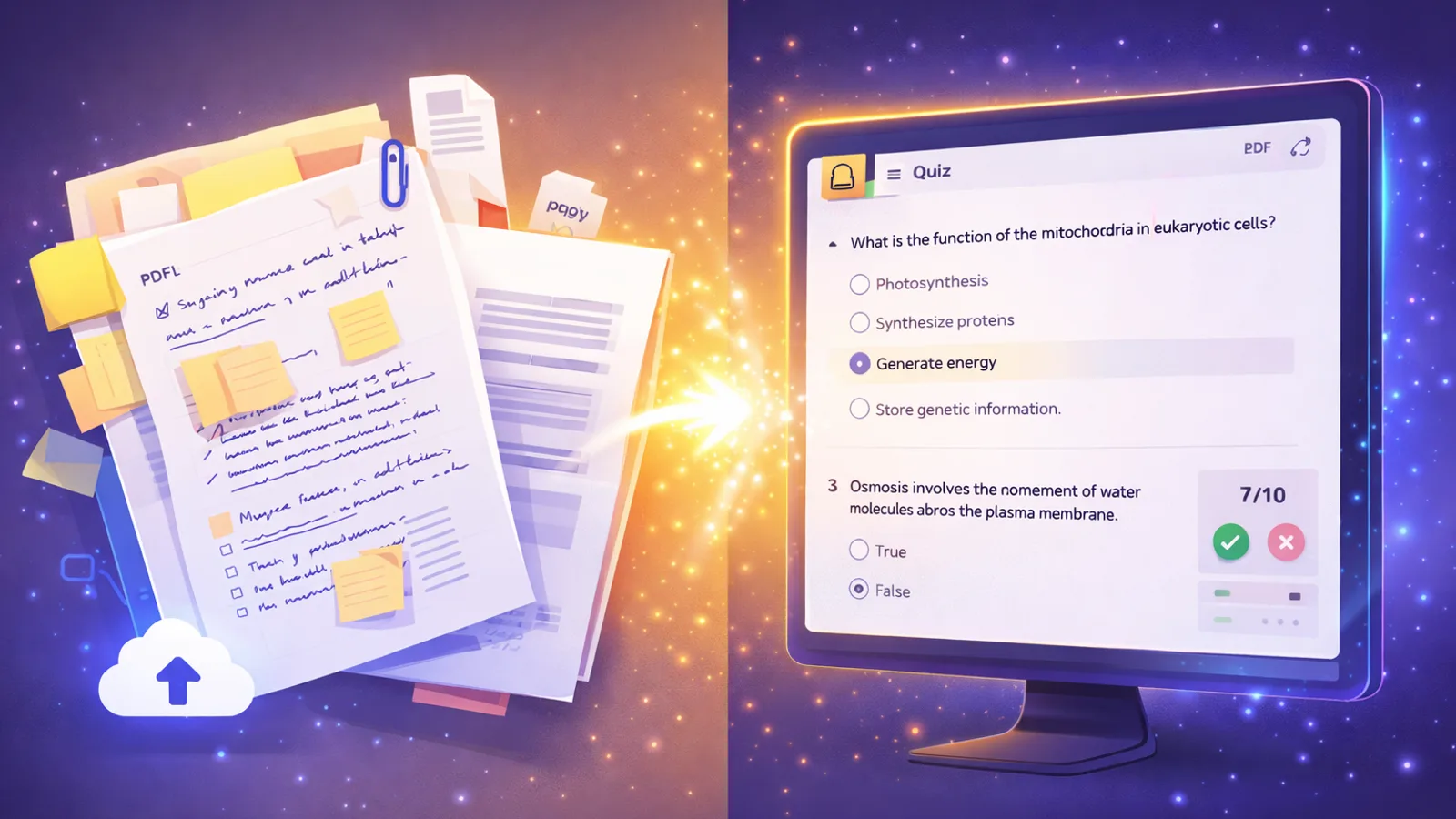
The best AI quiz generators create practice tests from your notes and PDFs in seconds. Compare top tools and learn to generate quizzes with AI.

How to Study With AI: A Step-by-Step Workflow (2026)
Learn how to study with AI in 2026. Turn PDFs and notes into flashcards, quizzes, mind maps, and summaries in minutes.