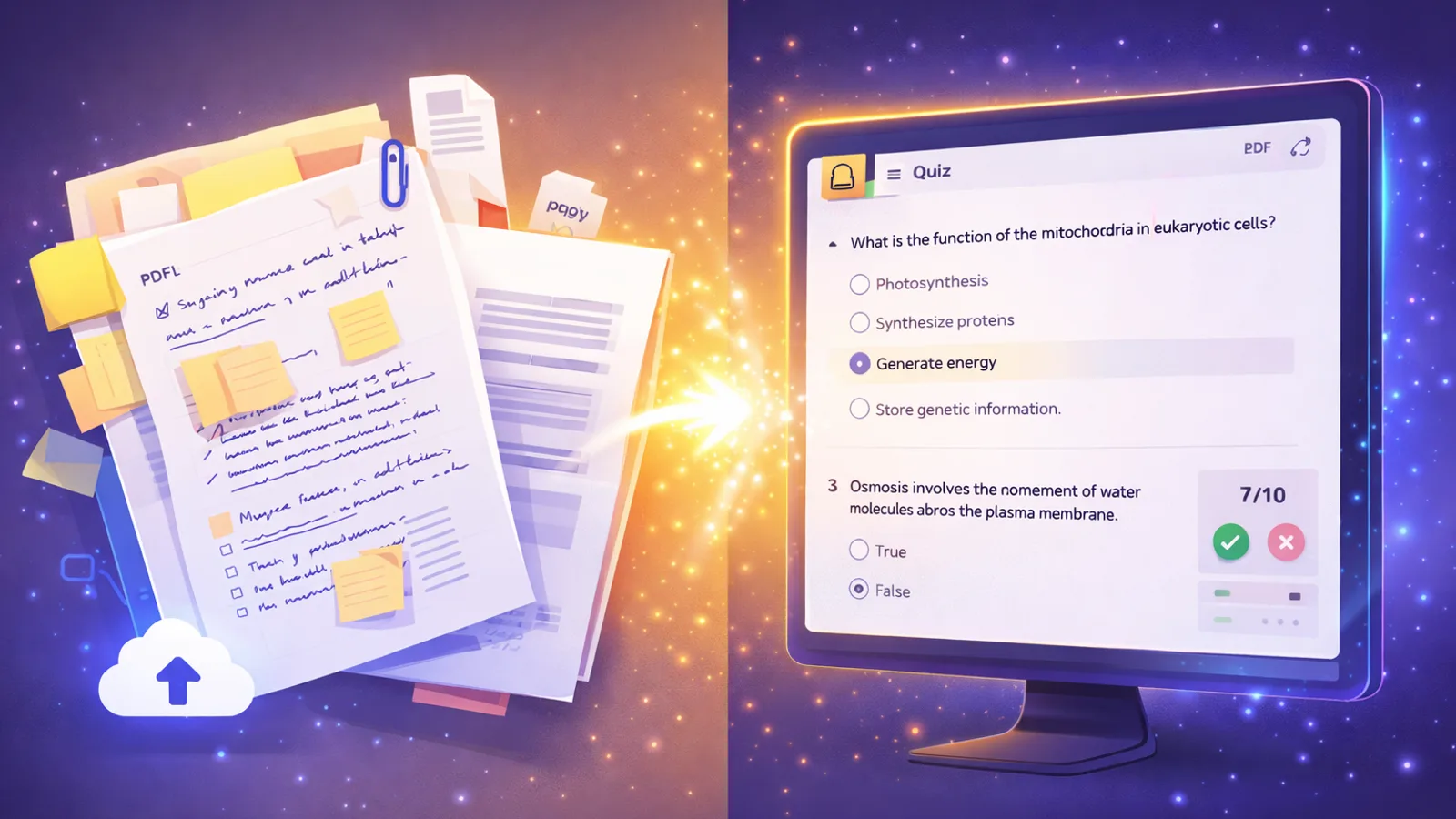
AI Quiz Generator: Create Practice Tests from Notes & PDFs (2026)

MindLumos Team
2026-03-17
An AI quiz generator is a tool that automatically creates practice questions from your notes, PDFs, or textbooks—giving you instant self-testing without manual question writing. Instead of spending hours crafting questions by hand, you upload your material and get a complete practice test in seconds.
Why does this matter? Because practice testing (active recall) is the #1 study technique according to cognitive science research. Students who test themselves retain up to 50% more information than those who simply re-read their notes. The problem has always been that creating good practice questions takes too long—until now. AI quiz generators remove that barrier entirely, making the most effective study method also the most accessible. Learn more about why active recall works in our guide to the top study methods.
💡 Quick tip: Already use flashcards? See how AI flashcard generators complement quiz tools for a complete active recall system.
 TL;DR: AI Quiz Generators at a Glance
- Saves hours: Upload notes or a PDF and get a full practice test in seconds
- Leverages active recall: The most effective study technique, now automated
- Effective question formats: High-quality Multiple Choice Questions (MCQ)
- Works from any source: PDFs, typed notes, images, slides, and audio
- Best all-in-one tool: MindLumos generates quizzes + flashcards + mind maps from one upload
 What Is an AI Quiz Generator?
An AI quiz generator uses artificial intelligence to read your study material—notes, PDFs, textbooks, or slides—and automatically create practice questions. Instead of manually writing questions, you let the AI identify key concepts and generate targeted assessments.

Massive Time Savings
Skip hours of writing questions by hand. AI analyzes your material and generates dozens of quiz questions in seconds.

Better Question Quality
AI identifies the most important concepts and creates questions that target key learning objectives—not just surface-level facts.

High-Quality MCQ Quizzes
Generate comprehensive multiple-choice questions (MCQs) with plausible distractors from any source material.

Works from Any Source
Upload PDFs, paste notes, import slides, or even use images and audio recordings as your quiz source.
 Best AI Quiz Generators Compared (2026)
Not all AI quiz generators are built the same. Here's how the top tools compare for students who want to generate practice tests from their own material.
MindLumos
Best All-in-OneInput Types
PDF, images, audio, text, slides
Quiz Formats
Multiple Choice Questions (MCQ)
Extras
Also generates flashcards, mind maps, summaries, and audio study guides from the same upload
Best For
Students who want quizzes + other study tools from one source
Quizizz AI
Input Types
Text, topics, URLs
Quiz Formats
MCQ, fill-in-the-blank, polls
Extras
Gamified classroom experience with leaderboards and live multiplayer
Best For
Teachers running interactive classroom quizzes
Jotform AI
Input Types
Text prompts, manual topics
Quiz Formats
MCQ, open-ended, rating scales
Extras
Form-based quiz builder with conditional logic and integrations
Best For
Creating assessments and survey-style quizzes
Quizlet
Input Types
Text, manual entry, shared sets
Quiz Formats
MCQ, written, matching, flashcard-based
Extras
Massive library of user-created study sets with AI-enhanced learning modes
Best For
Students who want access to existing study sets plus AI features
StudyFetch
Input Types
PDF, slides, text
Quiz Formats
MCQ, flashcard quizzes
Extras
AI tutor chatbot (Spark.E) for follow-up questions and explanations
Best For
Students who want an AI tutor alongside quiz generation
💡 Our recommendation: If you're a student looking for quizzes plus other study tools from the same source material, MindLumos is the best choice. One upload gives you quizzes, flashcards, mind maps, and summaries. See our full comparison of the best AI study tools.
Why AI Quizzes Are the Best Way to Study
AI quiz generators don't just save time—they tap into the most powerful learning science principles. Here's why practice testing with AI works so well.
Active Recall Effect
Testing yourself forces your brain to retrieve information, strengthening neural pathways far more than passive re-reading or highlighting.

Instant Feedback Loop
AI quizzes show you right and wrong answers immediately, so you correct misconceptions before they become ingrained.

Identifies Knowledge Gaps
When you get questions wrong, you instantly see which topics need more study—no guessing about what to review next.

Builds Exam Confidence
Practicing with quiz-format questions reduces test anxiety. You walk into exams having already experienced the question types.
Works with Spaced Repetition
Retaking AI quizzes at increasing intervals (1 day, 3 days, 1 week) leverages the spacing effect for long-term retention.
Why Re-Reading Doesn't Work
Most students default to re-reading notes and highlighting—methods that feel productive but produce weak, short-term memories. Research consistently shows that one practice quiz is worth more than three re-reads. Active retrieval strengthens memory; passive review just creates familiarity without real learning.
 How to Generate Quizzes with AI (Step-by-Step)
Here's exactly how to create AI-generated practice tests using MindLumos—from upload to quiz in under a minute.
Upload Your Material
Upload your notes, PDF, lecture slides, or paste text directly into MindLumos. You can also use images or audio recordings.
Select "Quiz" as Output
Choose quiz generation from the available study tool options. MindLumos will analyze your content for key concepts.
Select Question Count
Choose how many multiple-choice questions you want the AI to generate based on the depth of your source material.
AI Generates Questions
The AI reads your material, identifies the most important concepts, and creates targeted questions with answer explanations.
Take the Quiz & Review
Answer the questions, get instant feedback on right and wrong answers, and review explanations for each question.
Retake to Track Improvement
Retake the quiz after reviewing. Track your score improvements over time and focus on the questions you previously missed.
Want the full AI study workflow?
See our step-by-step how to study with AI guide to build a complete system with quizzes, flashcards, mind maps, and summaries.
AI Quiz Generator from PDF: How It Works
One of the most popular use cases is generating quizzes directly from PDFs—lecture notes, textbook chapters, research papers, or slide decks. Here's what happens behind the scenes.
| Step | What Happens |
|---|---|
| 1. PDF Parsing | AI extracts text, headings, and structure from your PDF, preserving the hierarchy of topics and subtopics. |
| 2. Key Concept Identification | The AI identifies definitions, processes, relationships, and facts that are most likely to appear on exams. |
| 3. Question Generation | Multiple-choice questions (MCQs) are created with plausible distractors, ensuring a comprehensive assessment of the material. |
| 4. Answer Verification | Each question is checked against the source material to ensure accuracy and appropriate difficulty. |
| 5. Quiz Assembly | Questions are organized by topic and difficulty, then presented as an interactive quiz with instant feedback. |
When to use PDF-to-quiz: This is ideal for lecture notes, textbook chapters, and study guides. For handwritten notes, take a photo and upload the image instead—MindLumos can read both typed and handwritten content.
Tips for Better AI-Generated Quizzes
Use Focused, Topic-Specific Notes
The more focused your input, the better the quiz. Upload notes on one chapter or topic rather than an entire textbook.
Analyze Your Distractors
Don't just look for the correct MCQ answer. Review why the distractors were plausible—it helps you identify similar-sounding concepts.

Don't Skip Wrong Answers
When you get a question wrong, read the explanation carefully. Wrong answers are your most valuable learning moments.

Combine Quizzes with Flashcards
Use AI flashcards for memorization and AI quizzes for testing application. Together, they cover both recognition and recall.
 Common Mistakes When Using AI Quiz Generators
Only Focusing on Recognition
Multiple-choice questions can sometimes lead you to recognize an answer without actually having learned the material for recall.
✅ Fix: When taking an MCQ quiz, try to answer the question mentally BEFORE looking at the options to practice active recall.
Not Reviewing Wrong Answers
Rushing through quiz results without studying the questions you missed wastes the most valuable part of the quiz.
✅ Fix: After each quiz, spend time reading explanations for every wrong answer. Create flashcards from your mistakes.
Quizzing on Too Broad a Topic
Uploading an entire textbook produces scattered, unfocused questions that don't test any single topic deeply.
✅ Fix: Upload one chapter or topic at a time. Focused input creates focused, higher-quality quiz questions.
Treating Quizzes as One-Time Events
Taking a quiz once and never revisiting it undermines the spacing effect. One attempt barely scratches long-term memory.
✅ Fix: Retake quizzes at spaced intervals: 1 day later, 3 days later, and 1 week later for maximum retention.
Stop Re-Reading. Start Quizzing.
The science is clear: practice testing is the most effective way to study. AI quiz generators remove the biggest barrier to self-testing—the time and effort of creating questions. With tools like MindLumos, you can turn any PDF, set of notes, or lecture into a complete practice quiz in seconds.
Whether you're preparing for midterms, finals, or professional certifications, AI-generated quizzes give you targeted practice, instant feedback, and a clear picture of what you need to review. Combined with flashcards and spaced repetition, they form the foundation of a study system that actually works.
🎯 Your next step: Upload your notes to MindLumos and generate your first AI quiz. It takes less than a minute—and you'll feel the difference the first time you sit for an exam.
Frequently Asked Questions
What is the best AI quiz generator?
MindLumos is the best all-in-one AI quiz generator for students. It creates quizzes, flashcards, mind maps, and summaries from the same notes or PDF—so you get multiple study tools from a single upload.
Can AI generate quizzes from a PDF?
Yes. Tools like MindLumos can analyze a PDF and automatically generate multiple-choice questions (MCQ) from the content. Simply upload your PDF and select quiz as the output format.
Are AI quiz generators free?
Many AI quiz generators offer free tiers. MindLumos lets you try AI quiz generation for free. Quizlet and Quizizz also have free options with limited features.
How do practice quizzes help you study?
Practice testing leverages active recall—the most effective study technique. Retrieving information from memory strengthens neural pathways far more than passive re-reading. Research shows students who self-test retain up to 50% more information than those who only review notes.
Continue Reading
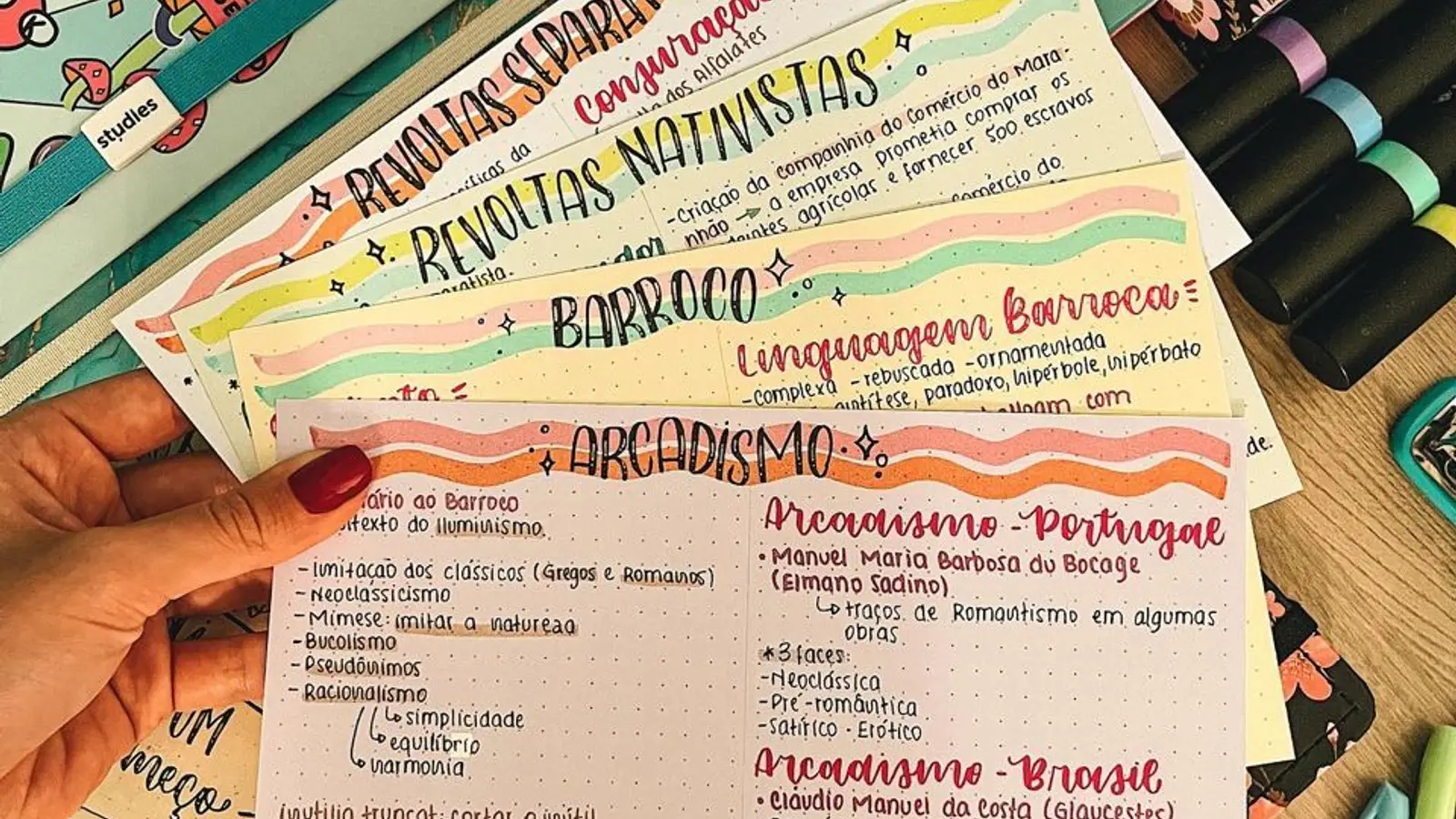
Best AI Flashcard Generator in 2026: Tools Ranked & Compared
Compare the best AI flashcard generators of 2026. Turn PDFs, notes, and audio into study decks automatically with AI.
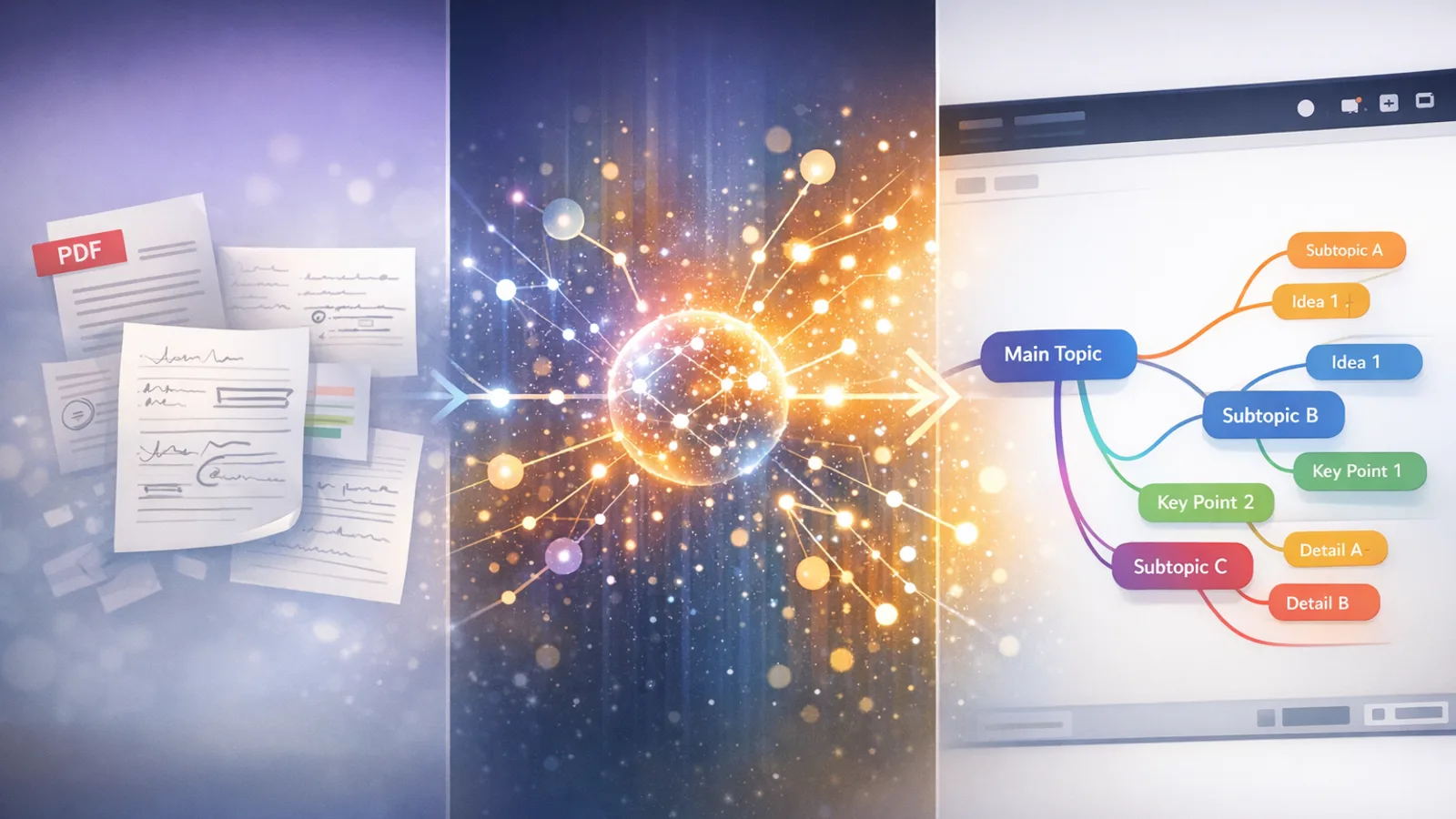
AI Mind Map Generator: Create Visual Study Maps from Notes (2026)
The best AI mind map generators turn PDFs, notes, and text into visual study maps in seconds. Compare tools and learn how to create mind maps with AI.